File Manager
How to Access
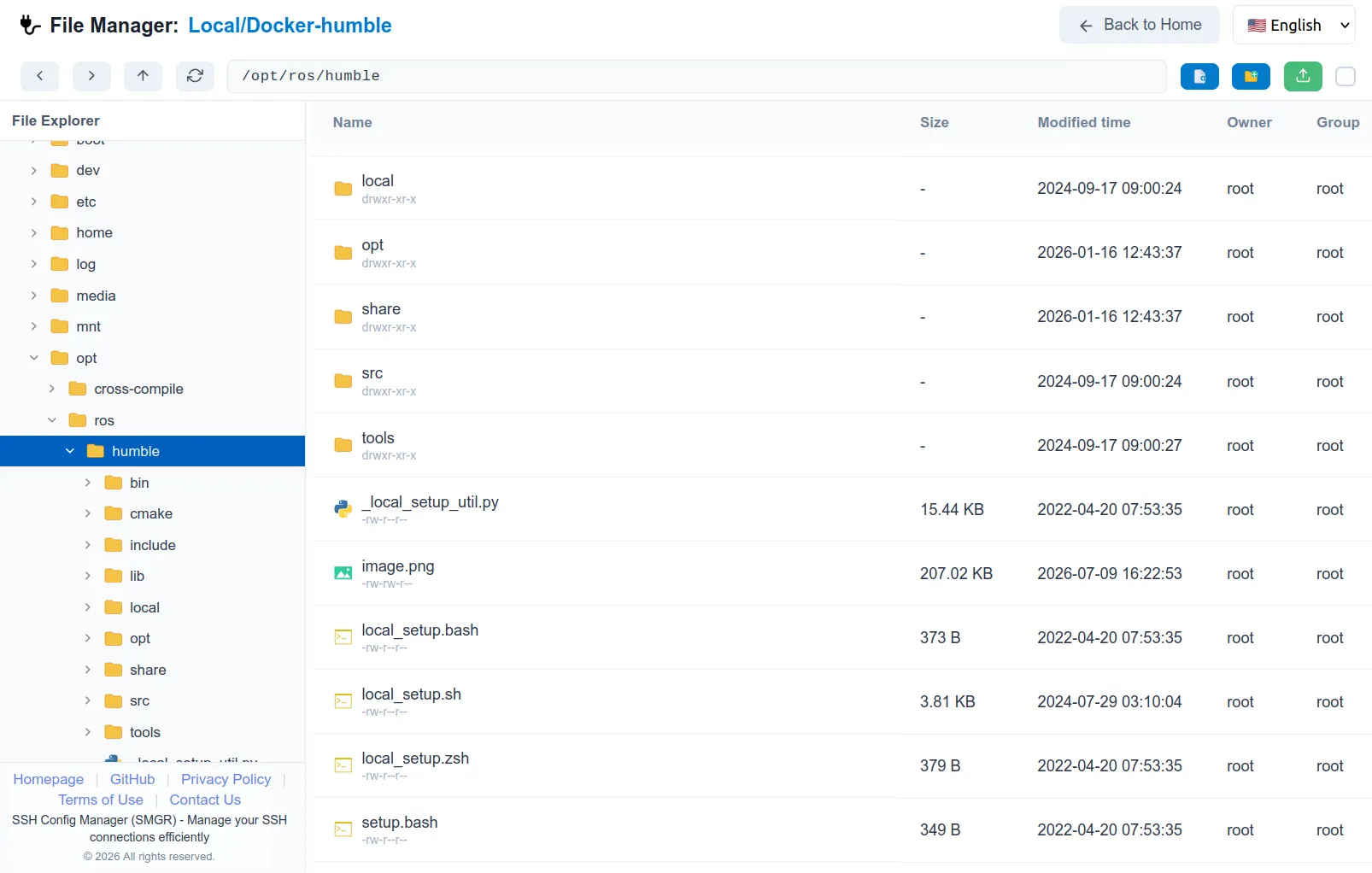
Click the “File Manager” button located next to any configured SSH host to enter the file management interface.
Supported Features
- Explorer:
- Create new files and folders.
- Rename and delete files/folders.
- Drag-and-drop moving within the remote directory.
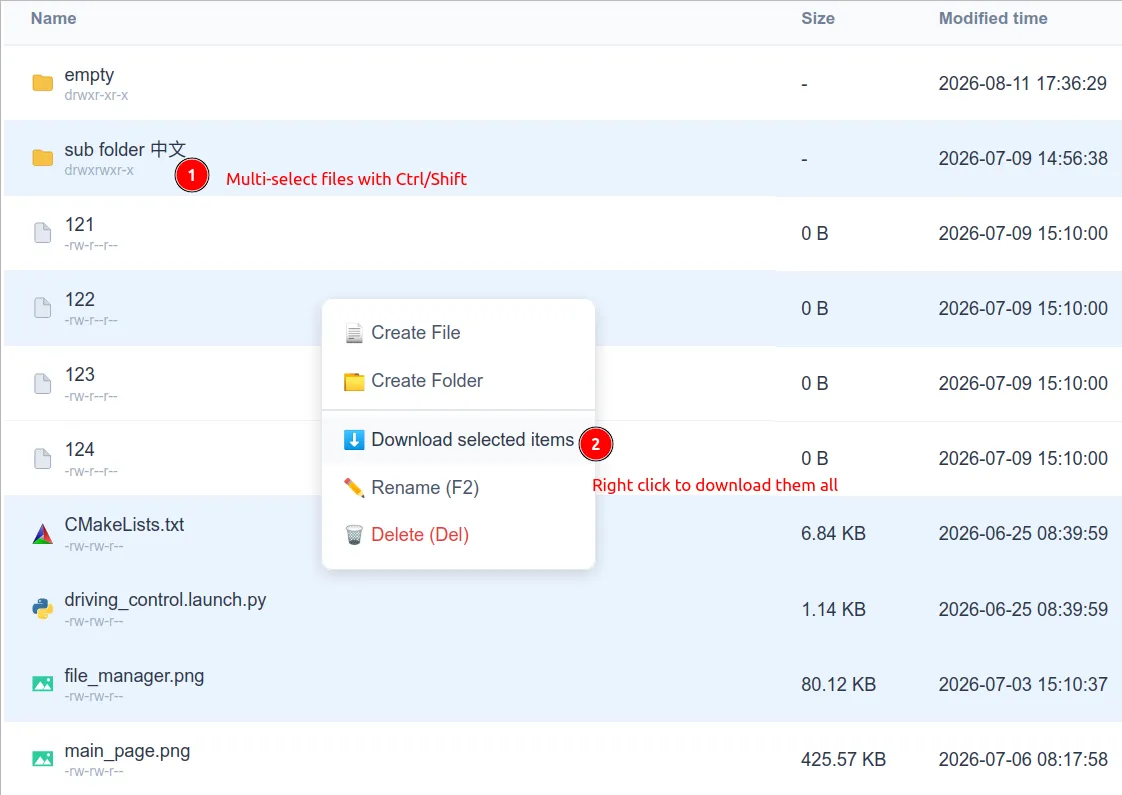
- Upload files from local to remote, and download files from remote to local.
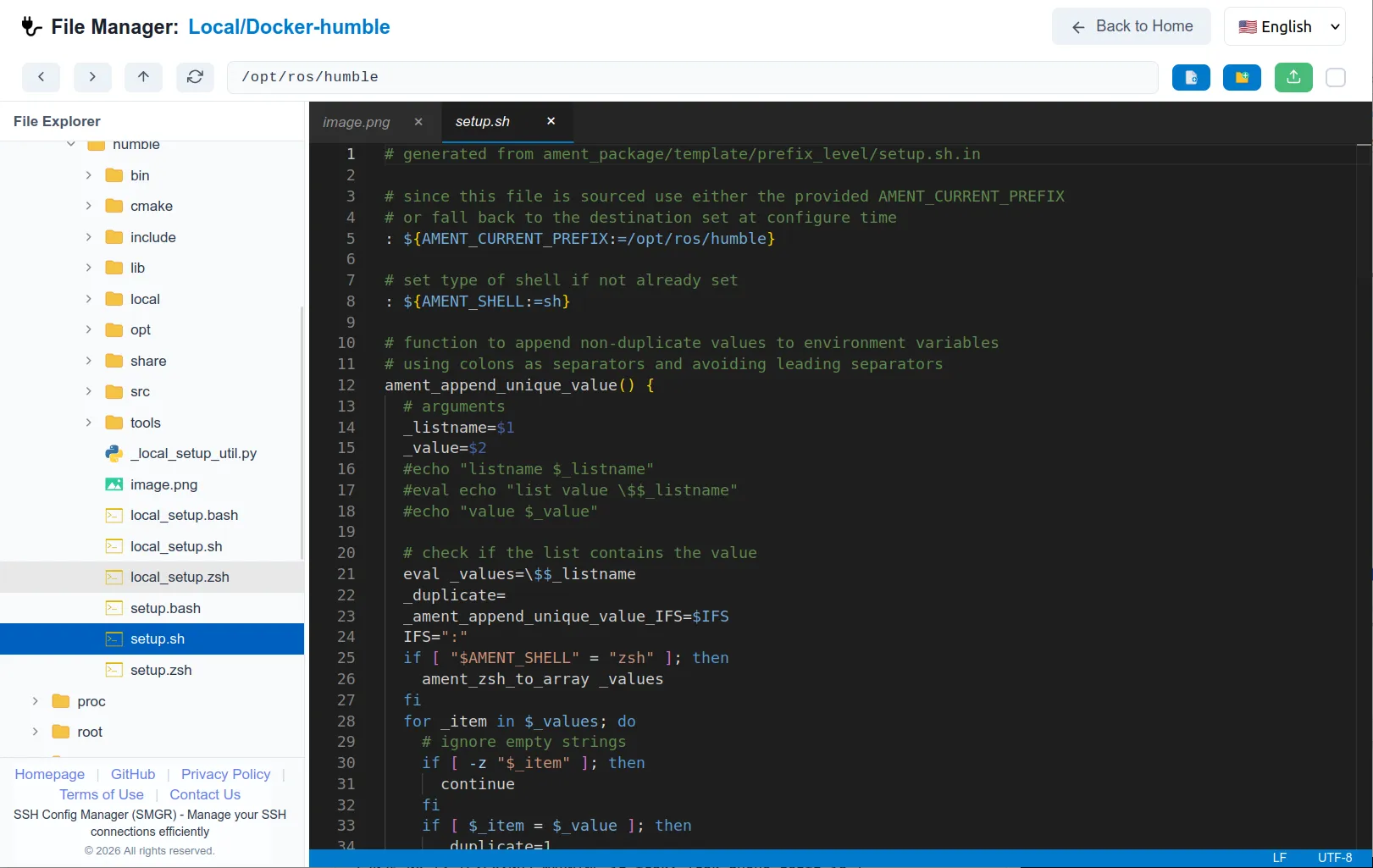
- Built-in Editor:
- Supports multiple tabs for editing several files simultaneously.
- Syntax highlighting for various programming languages.
- Encoding switching and multi-line editing capabilities.
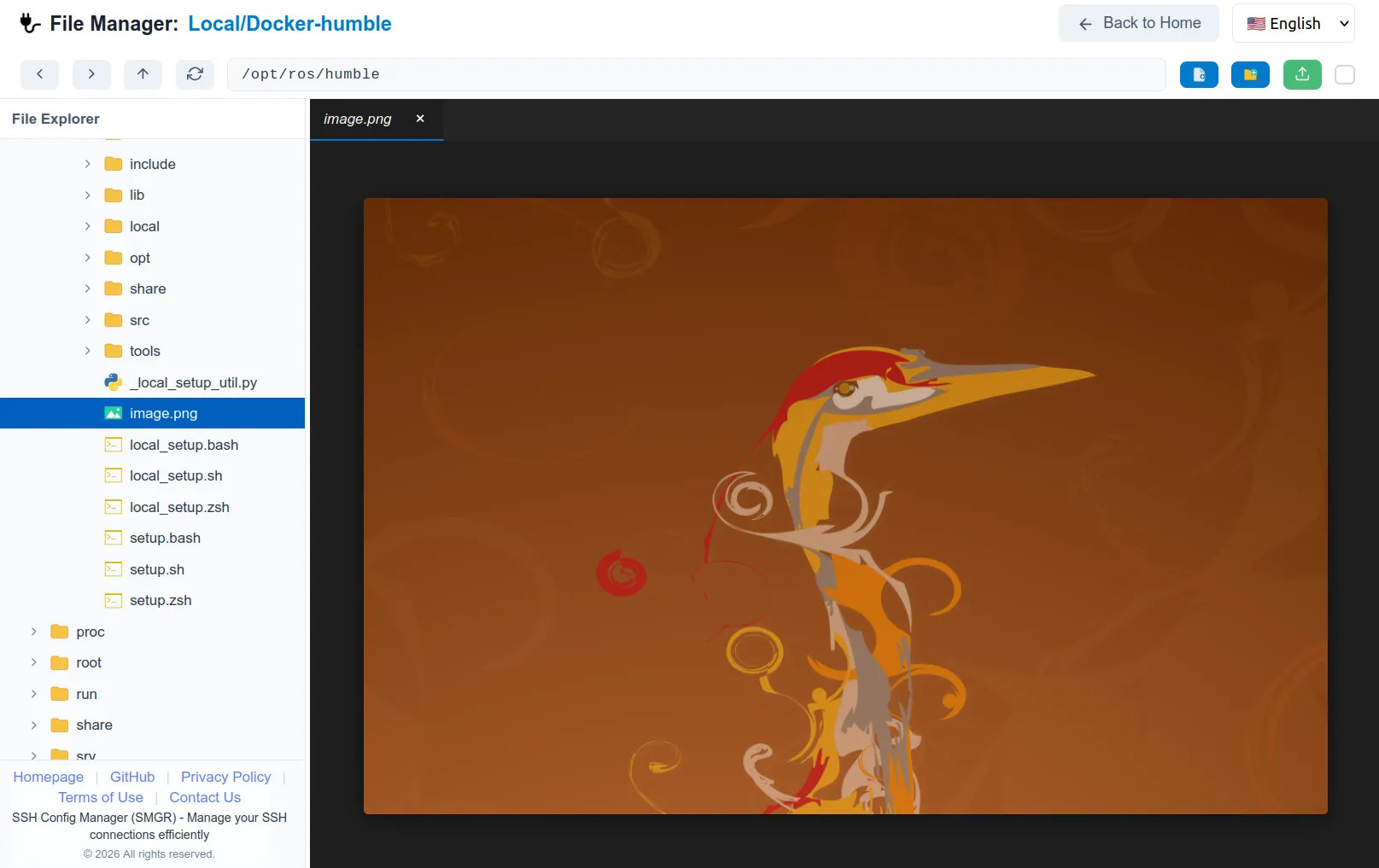
- Image Viewer: Preview images on remote servers directly without downloading them.