v1.3.0 Released: Smarter Terminal & Enhanced File Management
✨ What’s New in v1.3.0
We’re thrilled to announce SSH Config Manager v1.3.0 — a release focused on improving terminal workflow efficiency, file management flexibility, and expanding payment options.
🖥️ Smarter Terminal: Session Persistence & Command History
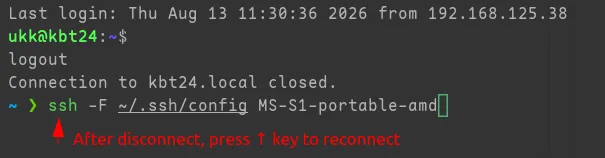
Terminal experience gets a major upgrade in this release. After SSH disconnection, terminal windows and tabs are no longer automatically closed, allowing you to review previous commands and outputs at your own pace. Combined with the newly added SSH command history, you can now press the Up key to quickly rerun previous commands, significantly speeding up repetitive tasks.
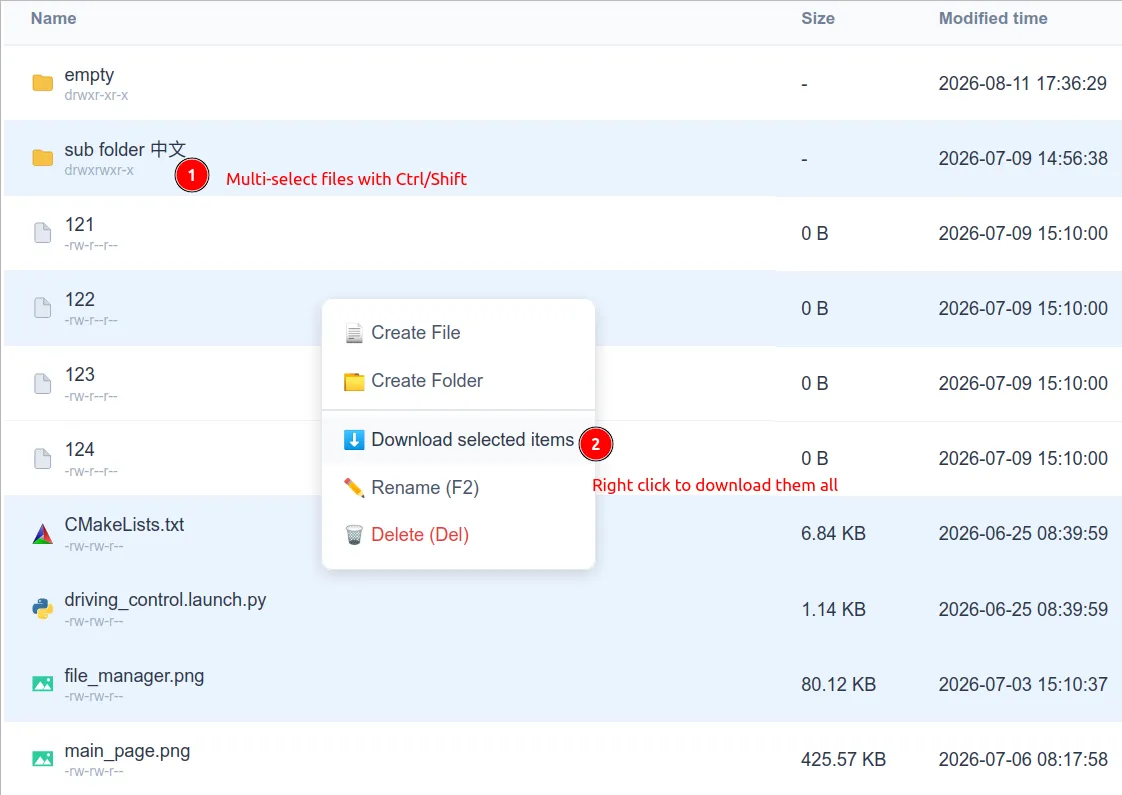
📂 Multi-File Selection & Batch Download
SSH Config Manager v1.3.0 is released with improved terminal workflow efficiency, file management flexibility, and expanded payment options.
💳 Creem Payment Integration
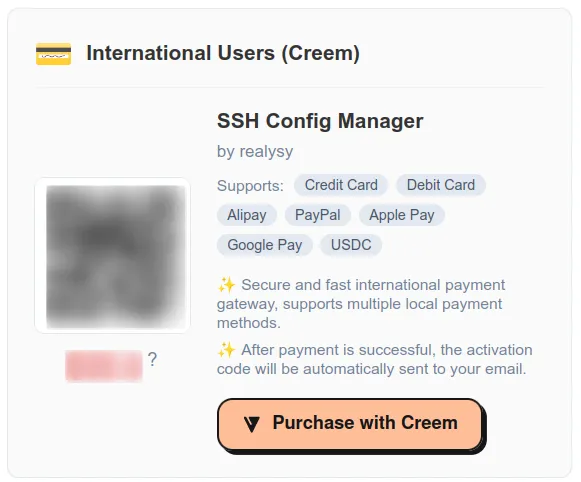
We’ve added Creem as a new payment provider. Users can now pay via credit/debit cards, Apple Pay, Alipay, and more. This expands our payment options to better serve our growing global user base with preferred local payment methods.
🛠️ File Manager UX Refinements
File Manager receives several user interface improvements:
- Toolbar button redesign — clearer icons and better visual hierarchy
- Improved click/double-click behavior — more predictable interactions between file tree and file list views
- Better large file transfer notifications — clearer progress feedback for heavy operations
🔧 Under the Hood
- API rate limit enlarged — smoother experience for power users
- Login page “Remember Me” — session persistence for convenience
- Activation page visual enhancement — polished UI for a better first-run experience
- CI/CD compilation time optimized — 29 minutes down to 7 minutes, accelerating our development velocity
🚀 Download
Visit GitHub Releases page to download v1.3.0 for Windows, Linux, or macOS.